
The Ultimate Guide to Speed and Conversion
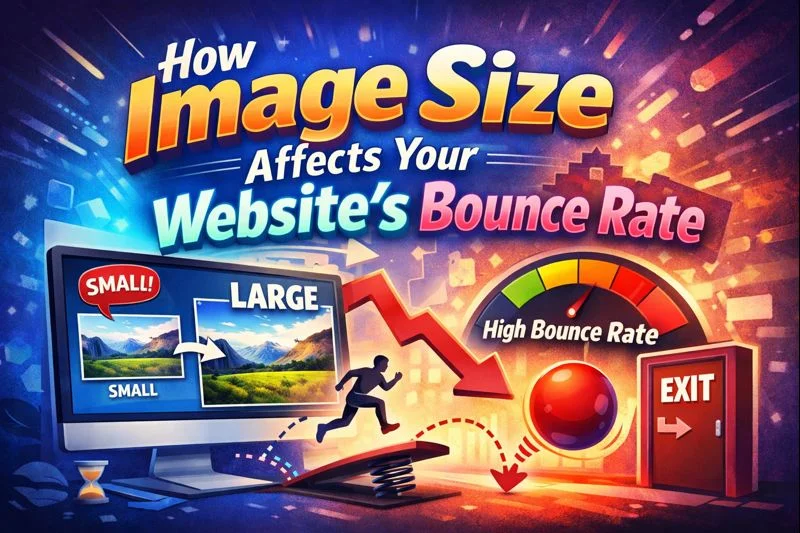
In the modern digital landscape, patience is a relic of the past. When a user clicks a link, they expect an instantaneous response. If your website takes more than a few seconds to breathe into life, that user is gone—likely to a competitor. This phenomenon is known as a "Bounce," and the single most common reason for a high bounce rate isn't bad writing or poor products; it’s unoptimized, oversized images.
In this deep dive, we will explore the intricate relationship between image file sizes, page load speed, user psychology, and your bottom line. We will also provide a roadmap for using tools like those at TheSoftCo to reclaim your traffic and boost your SEO rankings.
The Direct Link Between Image Size and Website Speed
To understand why image size matters, we first need to understand how a browser works. When a person visits your URL, their browser sends a request to your server to "fetch" all the files needed to display the page. This includes HTML, CSS, JavaScript, and, most importantly, images.
Images often make up over 60% to 70% of a total webpage’s weight. If you are using raw photos straight from a DSLR or high-end smartphone, a single image could be 5MB to 10MB. Multiply that by five images on a blog post, and you are asking a user to download 50MB of data just to read one article.
Why Heavy Images Kill Performance
Every megabyte added to a page increases the "Time to First Byte" (TTFB) and the "Total Blocking Time." On slower 4G or 3G connections, these heavy files create a bottleneck. The browser struggles to render the layout while waiting for the images to download, leading to a blank screen or a "jerky" loading experience.
Did You Know You Can Compress Your Images for Free? Learn How To Reduce 100+ Image Sizes Without Any Cost, Any Limits, Any Restriction!
Understanding Bounce Rate: The Silent Revenue Killer
Bounce Rate is the percentage of visitors who land on a page and leave without interacting with any other part of the site. While a high bounce rate can be caused by irrelevant content, it is most often a technical failure.
The Psychology of the "Back" Button
Human attention spans are now shorter than those of a goldfish, averaging about 8 seconds. However, for website loading, the threshold is even tighter. Research shows that:
- 0-2 seconds: The "Sweet Spot." Most users stay.
- 3 seconds: The "Tipping Point." 40% of users will abandon the site.
- 5+ seconds: The "Death Zone." Bounce rates can soar above 70%.
When a page lags, the user feels a loss of control. This creates a micro-moment of frustration, prompting them to hit the "Back" button. This signal is sent back to Google, telling the search engine that your page is not a "quality result," which eventually tanks your rankings.
Core Web Vitals: Why Image Optimization for SEO is Mandatory
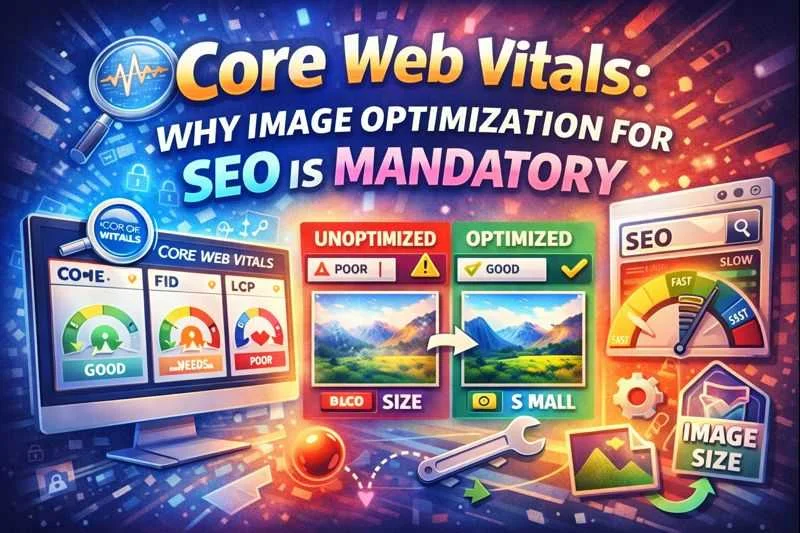
In 2021, Google introduced Core Web Vitals, a set of specific factors that Google considers important in a webpage's overall user experience. Images play a starring role in two of the three main metrics:
Largest Contentful Paint (LCP)
LCP measures how long it takes for the largest element (usually a hero image or a large banner) to become visible. If your hero image is a 4MB PNG, your LCP score will be "Poor," and Google will penalize your ranking.
Cumulative Layout Shift (CLS)
Have you ever tried to click a button, only to have the page suddenly jump and click an ad instead? That’s CLS. Unsized images often cause this "jump" as they load. Optimizing and properly defining image dimensions prevents this.
Did You Know You Can Convert Your WebP Images To PNG Images for Free? Learn How To Change 100+ WebP Images To PNG Without Any Cost, Any Limits, Any Restriction!
The Battle of Formats: JPEG, PNG, and WebP
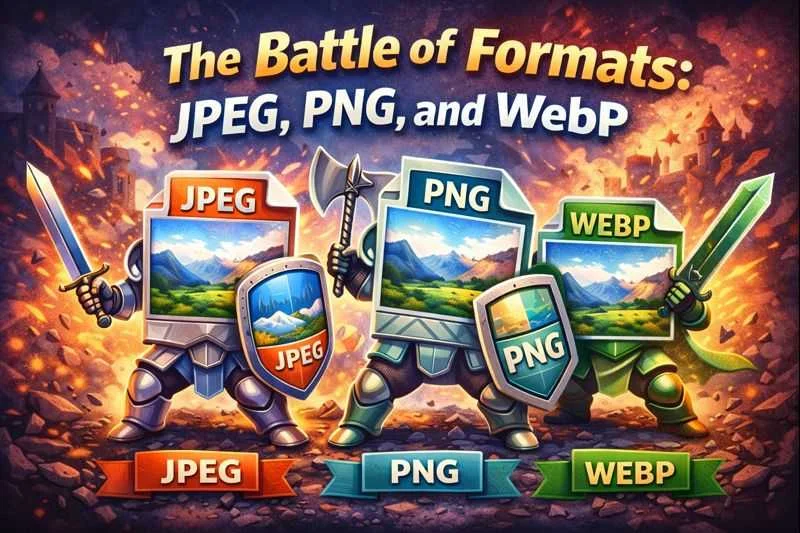
Choosing the right file format is the first step in a professional image optimization strategy for SEO. Not all formats are created equal.
JPEG (Joint Photographic Experts Group)
Best for complex photographs. It uses "lossy" compression, which means it throws away some data to reduce size. You can usually reduce a JPEG's size by 70% without the human eye noticing.
PNG (Portable Network Graphics)
Best for logos, icons, and images requiring transparency. PNG is "lossless," meaning it retains all data, but this makes the files significantly larger.
WebP: The New King of the Web
Developed by Google, WebP provides superior lossless and lossy compression for images on the web. WebP lossless images are 26% smaller than PNGs and 25-34% smaller than comparable JPEGs. Switching to WebP is the fastest way to slash your bounce rate.
Read More About WebP:
Did You Know You Can Convert Your JPG Images To WebP Images for Free? Learn How To Change 100+ JPG Images To WebP Without Any Cost, Any Limits, Any Restriction (Coming Soon)!
Mobile Page Speed: The High Stakes of Small Screens
Over 60% of global web traffic comes from mobile devices. Mobile optimization isn't just a "nice to have"—it’s survival. Mobile users are often on the go, using unstable data connections.
When you serve a "desktop-sized" image to a mobile phone, two bad things happen:
- Data Drain: You are wasting the user's data plan.
- CPU Throttling: The mobile processor has to work overtime to resize the image to fit the small screen, draining the battery and making the phone hot.
By using an Image Compressor, you ensure that your mobile visitors get a lightweight version of your site that pops up instantly, keeping them engaged and lowering your bounce rate.
How to Audit Your Website for Image Issues
Before you can fix the problem, you need to see the scale of it. Here is a strategy for a comprehensive image audit:
- Google PageSpeed Insights: Plug in your URL. Look for the "Opportunities" section. It will usually say "Serve images in next-gen formats" or "Efficiently encode images."
- GTmetrix: This tool shows you the "Waterfall" chart, letting you see exactly which image is taking the longest to load.
- Screaming Frog: For larger sites, use this to crawl your site and find all images over 100kb.
A Step-by-Step Strategy for Reducing Bounce Rate
If your audit shows that images are slowing you down, follow this Image Size and Website Speed recovery plan:
Step 1: Resize Before You Upload
Don't upload a 4000px-wide image if your blog width is only 800px. Use a tool to resize the dimensions first.
Step 2: Compress Every Single File
Never upload a "raw" image. Use the TheSoftCo Image Compressor to strip out unnecessary metadata (like GPS location, camera type, etc.) and compress the pixels.
Step 3: Implement Lazy Loading
Lazy loading tells the browser to only load images as the user scrolls down to them. This means the "Above the Fold" content loads instantly.
Step 4: Use a Content Delivery Network (CDN)
A CDN stores copies of your images on servers all over the world. If a user is in London, they get the image from a London server, not a New York one.
Why Theis the Best Choice for Website Owners
Many online tools claim to be free but hit you with a "Premium Subscription" after 5 uploads. Or they add a watermark that ruins your professional look. At TheSoftCo, we believe that a faster web is a better web.
- 100% Free: No hidden costs.
- Unlimited Uploads: Convert or compress 1, 100, or 1,000 images in one sitting.
- No Limits: No daily or monthly caps on your productivity.
- Privacy First: Your images are processed and then deleted; we don't store your data. Our Tools Are Browser Based!
The Relationship Between Image Quality and User Trust

While reducing file size is crucial, you must balance it with visual quality. If your images are so compressed that they look "pixelated" or blurry, you will trade one problem for another.
Users associate high-quality visuals with high-quality brands. If your product photos look cheap, users will doubt the quality of your product. The goal is "Perceptual Lossless Compression"—where the file size is tiny, but the human eye can't see the difference.
Conclusion: Speed is the Ultimate SEO Strategy
The data is clear: Image size affects your website’s bounce rate more than almost any other single factor. By optimizing your images, you are not just making a technical tweak; you are respecting your users' time and data.
A faster website leads to:
- Better Search Rankings: Google loves fast sites.
- Higher Conversion Rates: People buy more when the site is smooth.
- Lower Ad Costs: On platforms like Google Ads, a faster landing page leads to a higher Quality Score and lower Cost Per Click (CPC).
Don't let heavy images hold your business back. Start optimizing today using the suite of tools at TheSoftCo. Whether you need to switch from WebP to PNG for compatibility or compress a batch of JPEGs for a new blog post, we have you covered—unlimited and free.
Summary of Key Takeaways for SEO
| Metric | Impact of Oversized Images | Solution |
| Bounce Rate | Increases as load time increases | Use Image Compression |
| LCP (SEO) | Slows down the Largest Contentful Paint | Convert to WebP Format |
| User Experience | Causes frustration and site abandonment | Implement Lazy Loading |
| Mobile Traffic | Consumes excessive mobile data | Use TheSoftCo Tools |
Join the Conversation
Share your perspective, ask thoughtful questions, or leave constructive feedback about this article.